Leonard Botezatu
I think we can all agree that 2020-2021 was a time only imagined in ScyFi Hollywood blockbusters. But without going too deep into the negatives of COVID-19 upon our society, we can also agree that the pandemic changed how the world behaved and interacted in the digital space.
With obligations on population to reduce in-person contact, adopt new ways of working and the need of seamless and fast digital interaction, the pandemic triggered a radical shift in user's behaviour, accelerating digital identity roadmaps by at leat 5 years.
The 2021 Identity Fraud Study, released by Javelin Strategy & Research, revealed a daunting new threat to consumers and businesses: identity fraud scams. In the United States alone, a total combined fraud losses climbed to $56 billion in 2020, identity fraud scams accounted for $43 billion of that cost.
PROJECT SCOPE
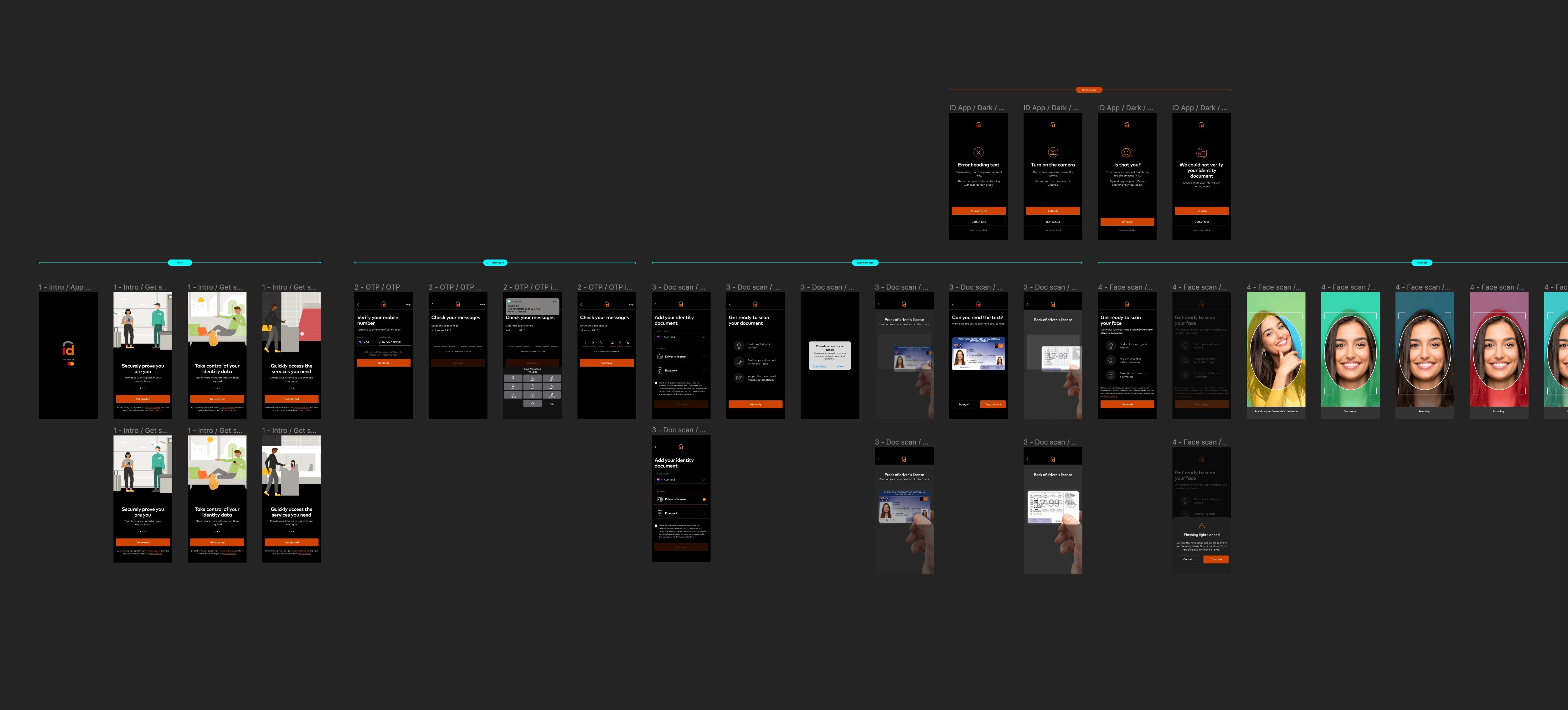
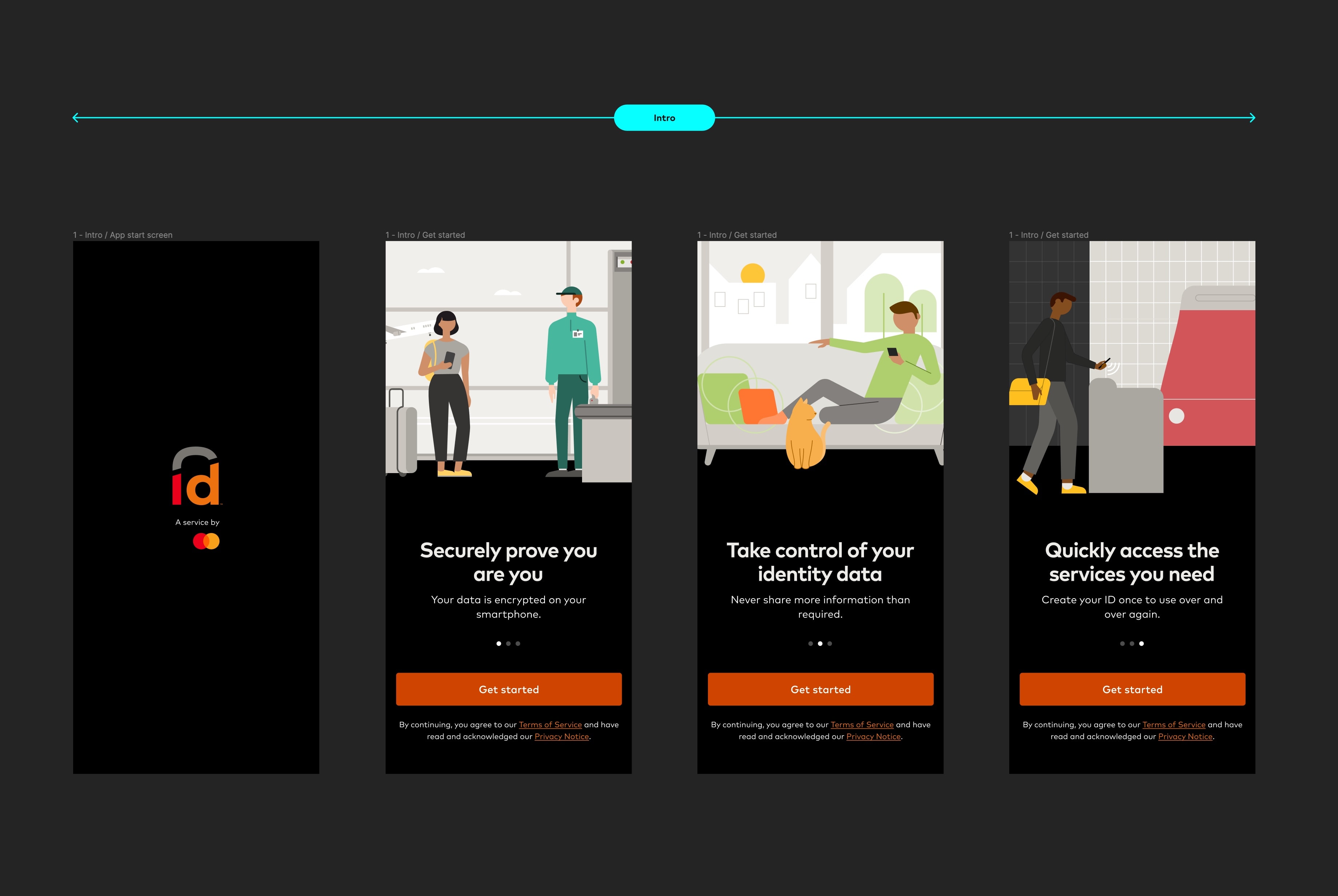
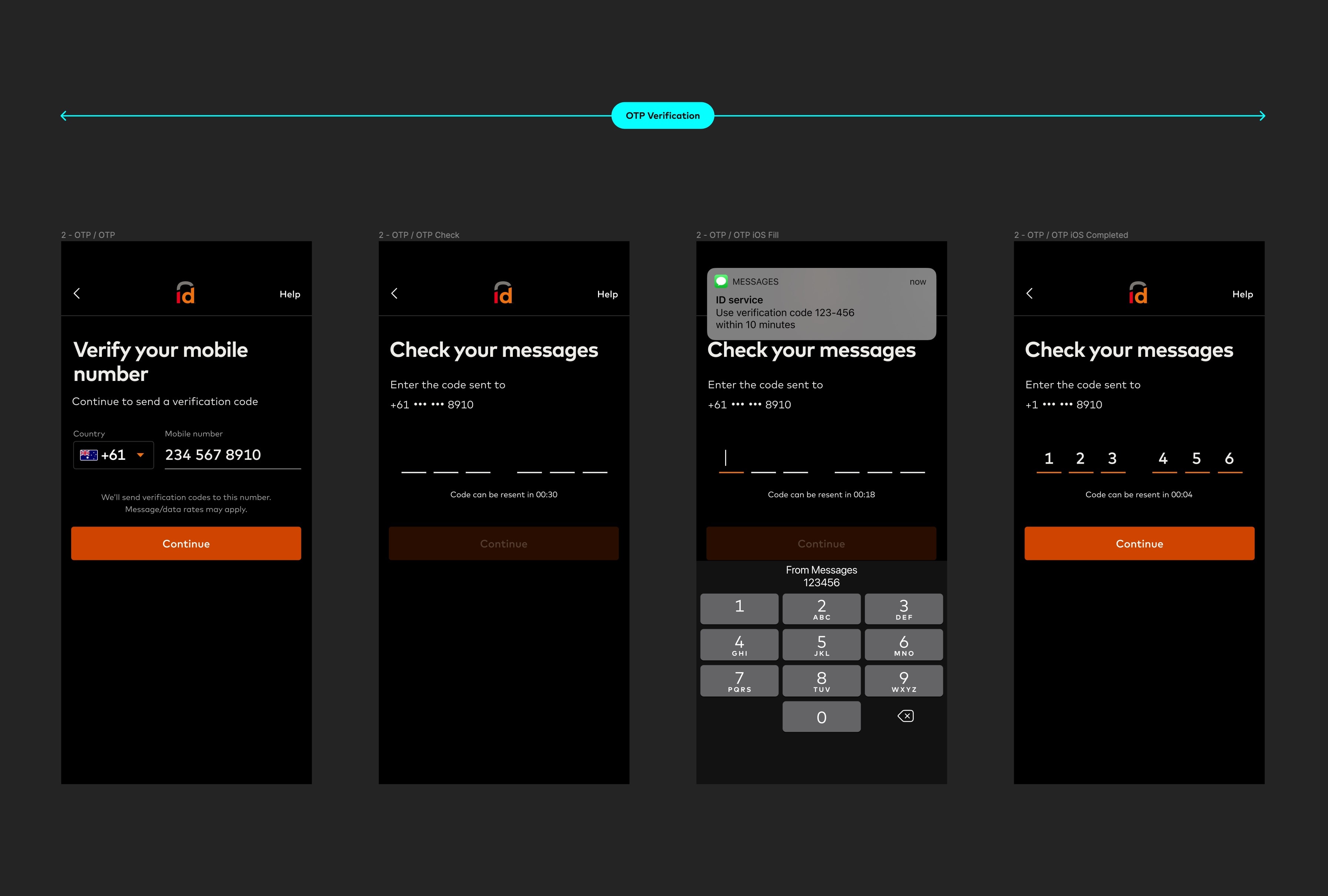
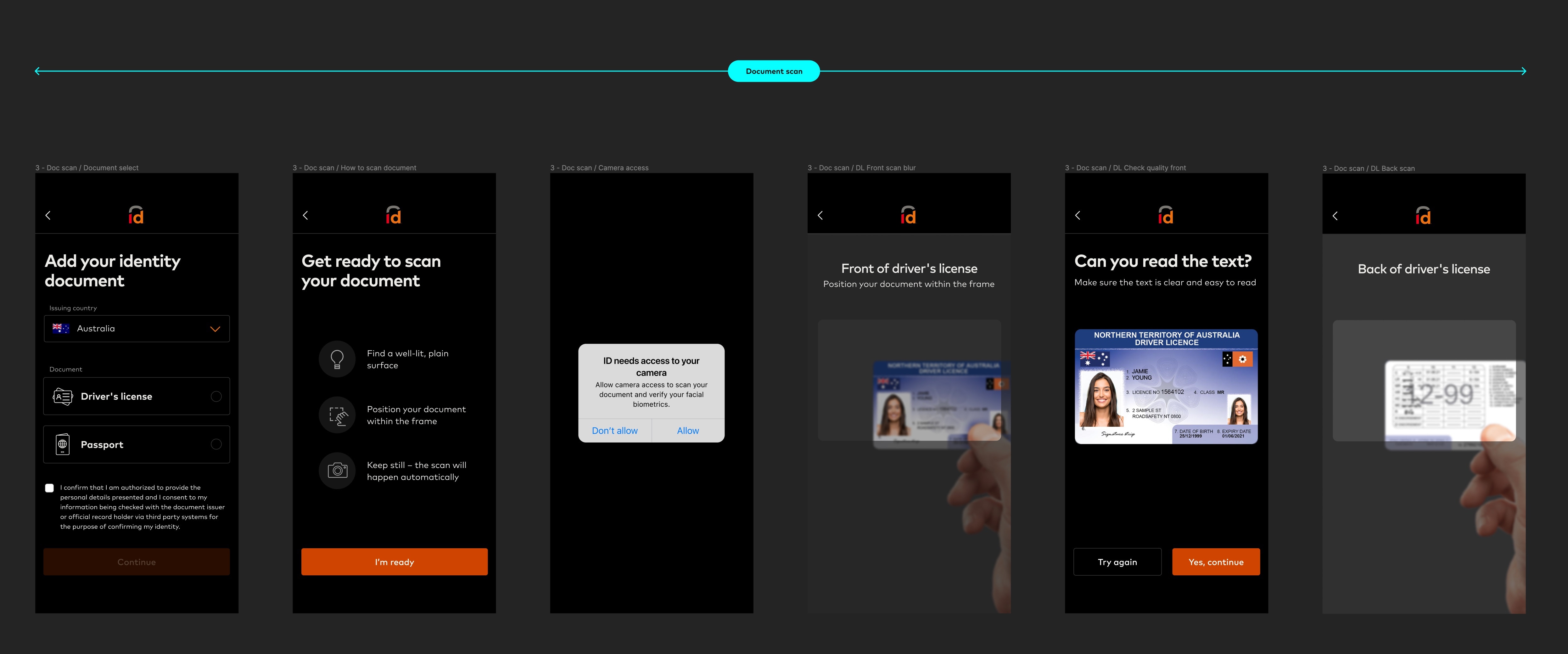
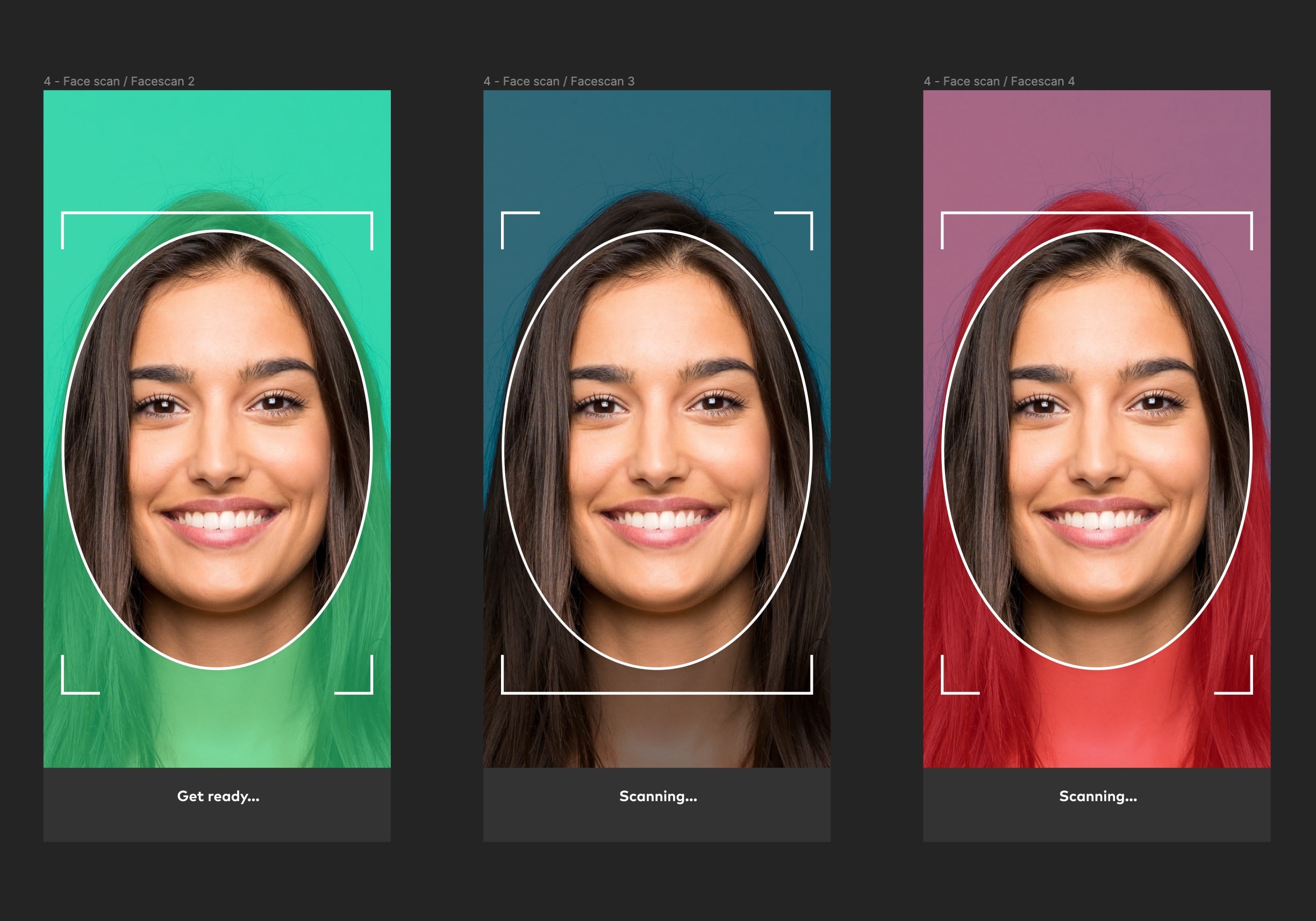
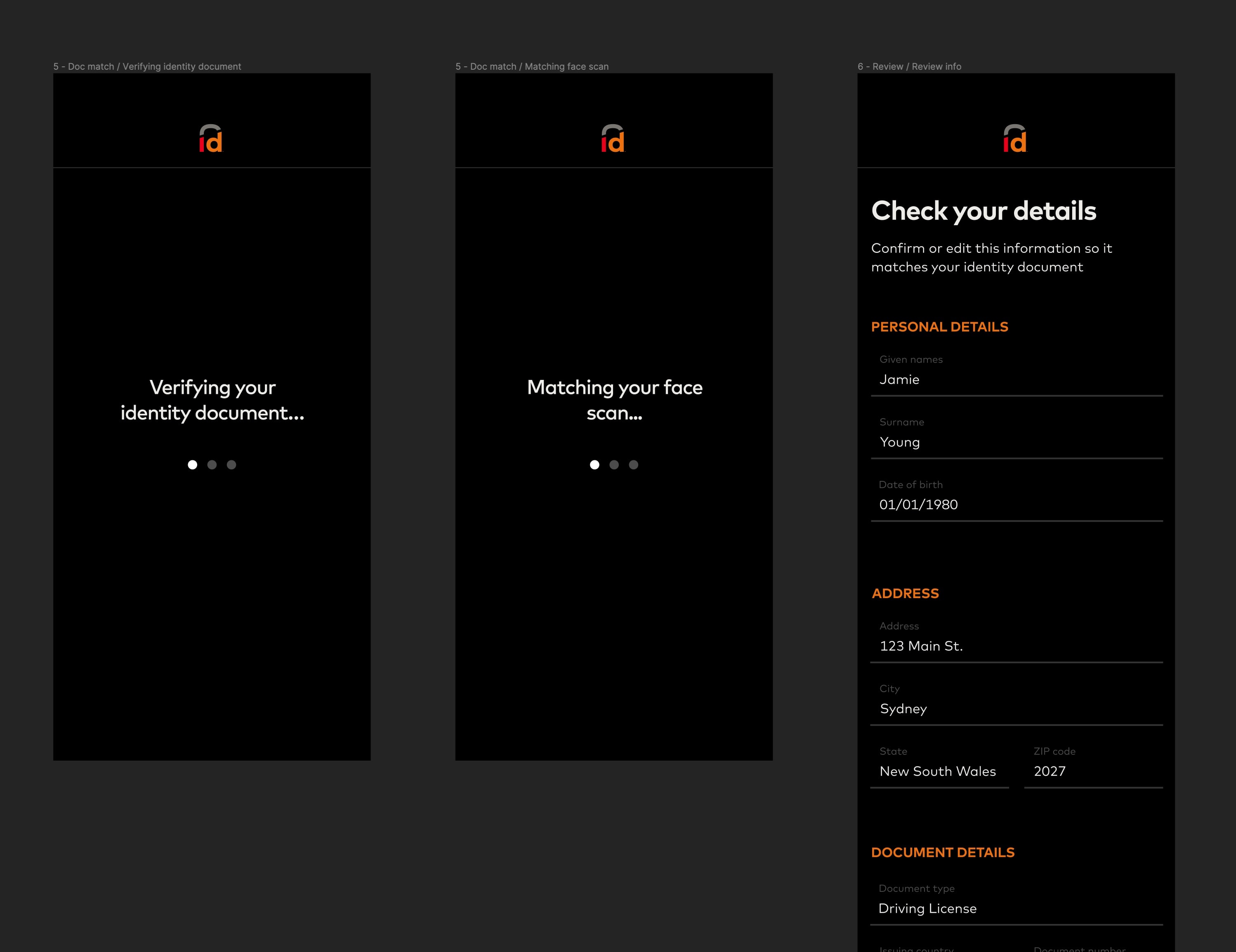
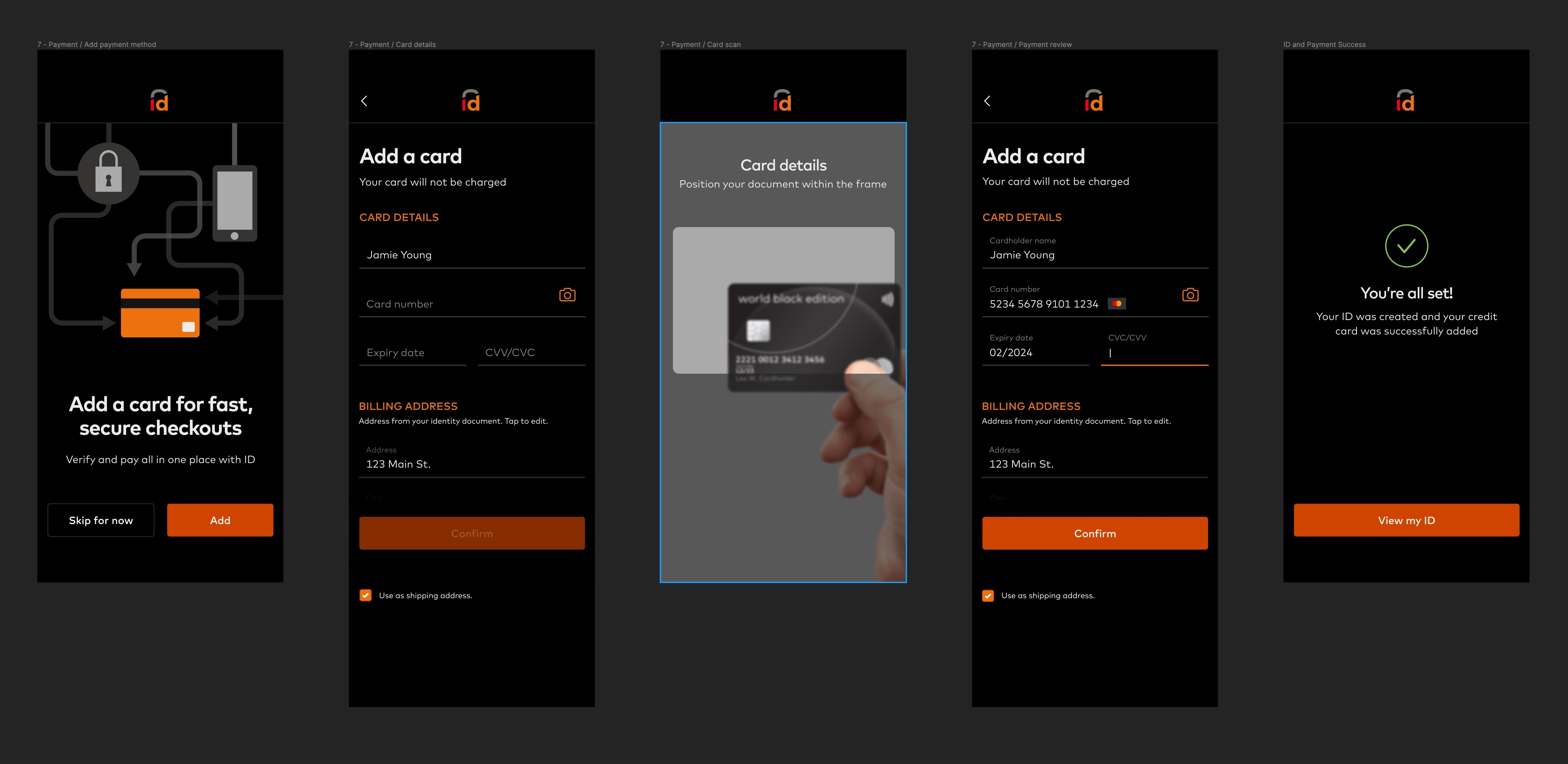
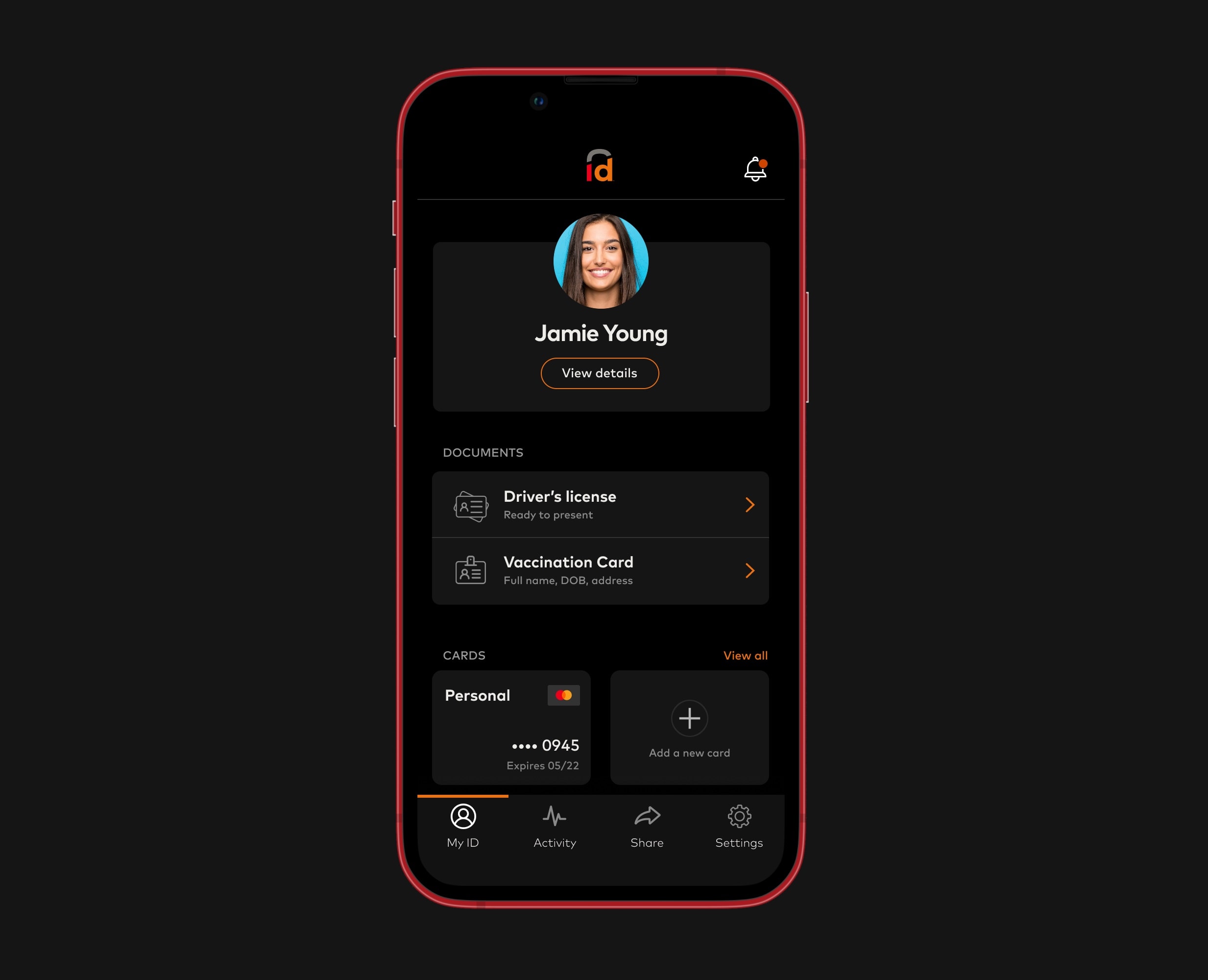
At the core of ID by Mastercard were two fundamental problems we were trying to solve for our users and businesses alike: mitigating identity fraud, and provide a seamless user experience using the 3 main components of the digital identity business at Mastercard: ID App, ID Network and ID Verification. Although I'm working on all 3, in this article I'm going to focus on the ID App.
MY ROLE
As a product designer, I was involved in discovery, delivery, optimisation and vision work for the ID app. I worked with the engineering, product and legal teams on the core identity verification framework, creating a consistent, user-focused and premium experience across all channels (iOS, Android, mobile web and desktop).
Tools
Figma, Jira, Confluence, MS Teams
THE PROCESS
We decided on the Double Diamond approach for our design process with all its key phases: Discovery, Synthesis, Ideation, Design, and Implementation.
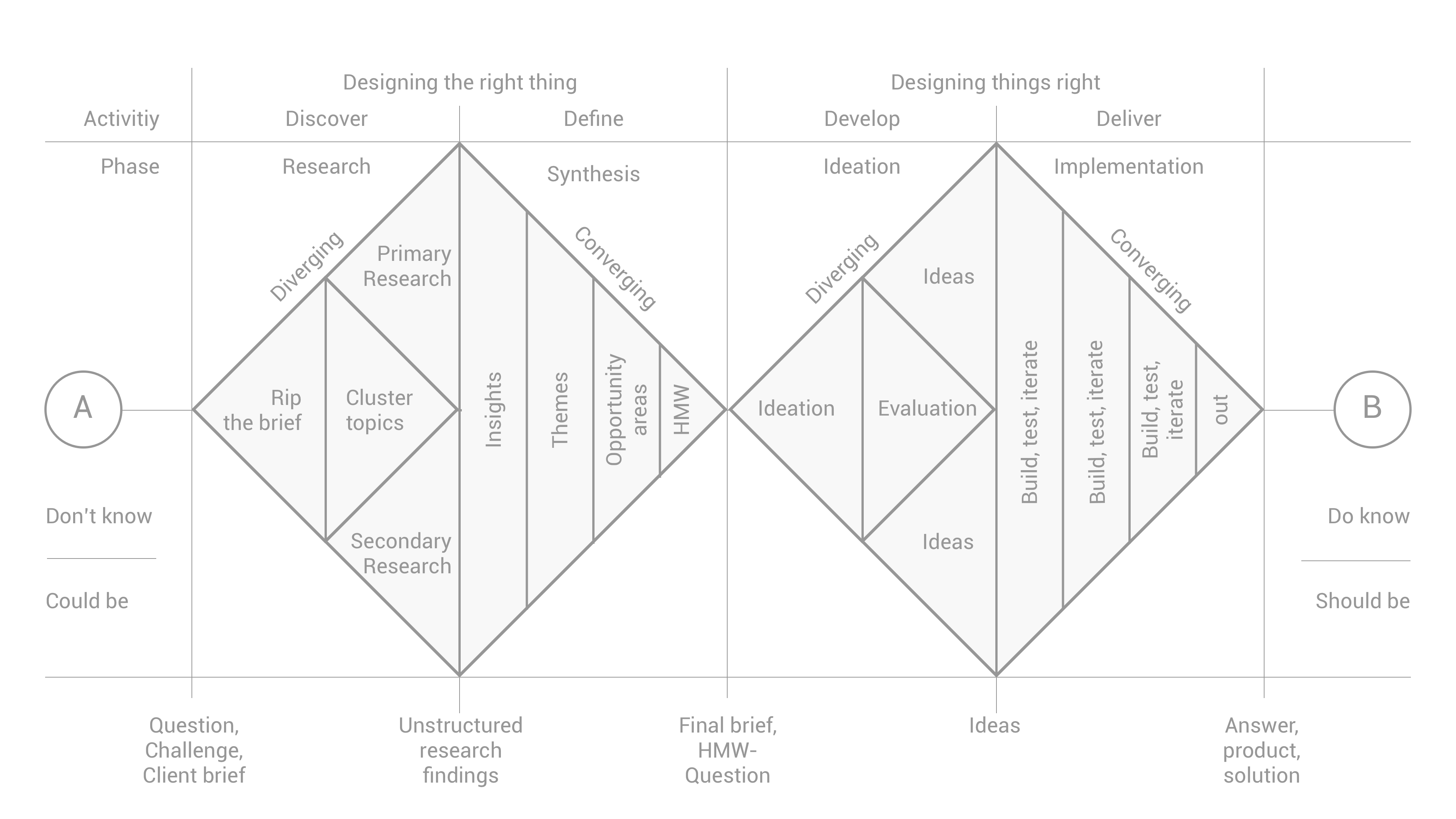
During the discovery phase, we reached out to what we've envisioned as our demographics (both users and businesses) to understand their day-to-day needs, pain points, and goals.
In the synthesis phase, we compiled our findings to identify patterns and innovation opportunities based on the data we gathered during discovery.
During the ideation phase, we sketched out wireframes, and service blueprints before moving on to rough drafts of low-fidelity mockups.
During the design phase, I spent some time creating a Design System (Figma) to use as a base for converting our low-fidelity designs to high-fidelity end-to-end flows.
And finally, during the implementation phase, we've worked with the engineering and product teams to hand off our designs to development and implement them for beta apps.